
Why Your AI Workflow Stack Is Probably Wrong — And the 2026 Fix
The problem isn’t which “all-in-one” platform you pick. It’s that consolidation quietly threatens whoever currently controls how information moves through a team — and that’s usually why the rollout stalls, not the tool.
A familiar cycle: a 30-person agency migrates onto “the only AI work platform you’ll ever need,” spends a few weeks doing it, and is quietly back to a patchwork of Slack, Notion, and a spreadsheet within two months. The tool wasn’t broken. The assumption was — that fewer tabs equals faster work, and that a platform with AI on every button will make a team coordinate like a unit.
- “Best all-in-one platform” is the wrong question. Stacks that hold up past 12 people run three separate layers — communication, execution, and AI coordination — not one tool trying to do everything.
- Rule-based and context-based automation solve different problems. Zapier-style tools handle predictable triggers; agent platforms handle judgment calls. Most teams need both.
- Adoption and failure are rising together. Gartner expects 40% of enterprise apps to carry task-specific AI agents by end of 2026 — and also expects 40%+ of agentic AI projects to be canceled by 2027. Architecture is what separates the two outcomes.
- The biggest adoption blocker is rarely the tool. It’s that visible, automated coordination threatens whoever currently holds informal control over information flow.
“Just Pick One Platform” Is Expensive Advice
Every major vendor — ClickUp, monday.com, Notion, Asana — now markets itself as an “AI work platform.” In practice, teams that try full consolidation tend to hit a wall as headcount grows past the single digits: the designer needs Figma-level prototyping, the engineer needs proper sprint tracking, and the “one platform” ends up bolted together with 40-plus integrations anyway. That’s a pattern worth watching for, not a fixed rule — the point where it bites varies by team.
monday.com’s 9.0–9.1 ease-of-use score on G2 versus ClickUp’s 8.4–8.5 and their near-identical ~4.7/5 overall satisfaction aren’t in tension — they measure different things. Ease-of-use tracks how fast a new hire gets productive; overall satisfaction tracks whether the tool still fits once they know it well. monday.com’s visual simplicity shortens that first stretch, then becomes a ceiling once a team needs custom operational logic. ClickUp’s flexibility does the opposite: slower to onboard, but it doesn’t run out of road. Which one is “best” depends on whether the current problem is adoption friction or operational complexity.
The “one platform” pitch serves vendor revenue more than team velocity. Every major platform makes its margin on enterprise upsells — AI credits, premium connectors — priced separately from the base seat. The more a team consolidates onto one vendor’s ecosystem, the more expensive it gets to leave later.
Vendors lean on “knowledge workers switch apps constantly” stats to argue for consolidation, but the more useful finding is about recovery cost, not switching frequency. UC Irvine’s Gloria Mark has repeatedly found it takes an average of 23 minutes to fully return to a task after an interruption. An all-in-one platform doesn’t fix that if a team still makes real decisions in side-channel DMs and updates the system of record three days later.
The 2026 Stack That Actually Works: Layered, Not Consolidated
The pattern that holds up across teams from roughly 4 to 200 people is a three-layer architecture: one primary tool per layer, everything else an integration or specialist satellite.
Layer 1 — Communication: under 20 people and not in the Microsoft ecosystem, start with Slack (Pro ~$7.25/user/mo). Over 50 or regulated, Teams is hard to beat on compliance, though Copilot is a separate $30/user/mo add-on. Video-first teams get more for less from Zoom’s bundled AI Companion, included free on every paid tier.
Layer 2 — Execution: choose by decision visibility, not feature count — how easily anyone can see what’s blocked and who owns it.
| Tool | Best For | Entry Paid Tier* | G2 Score |
|---|---|---|---|
| monday.com Fastest Adoption | Visual coordination, non-technical teams | $9/seat/mo | 4.7/5 |
| ClickUp Power Users | Complex ops, agencies, software teams | $7/seat/mo | 4.7/5 |
| Notion Knowledge-First | Creators, startups, docs + light PM | $10/seat/mo | 4.6/5 |
| Asana Strategic PM | Cross-functional projects tied to goals | $10.99/seat/mo | 4.4/5 |
*List pricing, billed annually, checked against vendor pricing pages and Vendr’s benchmark data in August 2026 — confirm current rates before budgeting.
Compared like-for-like, the price gap is smaller than it looks: monday.com’s Standard tier and ClickUp’s Business tier — the ones that actually unlock comparable automation — both land at $12/seat. The real question is which tier your team needs to reach that depth, not which vendor’s sticker price is lower.
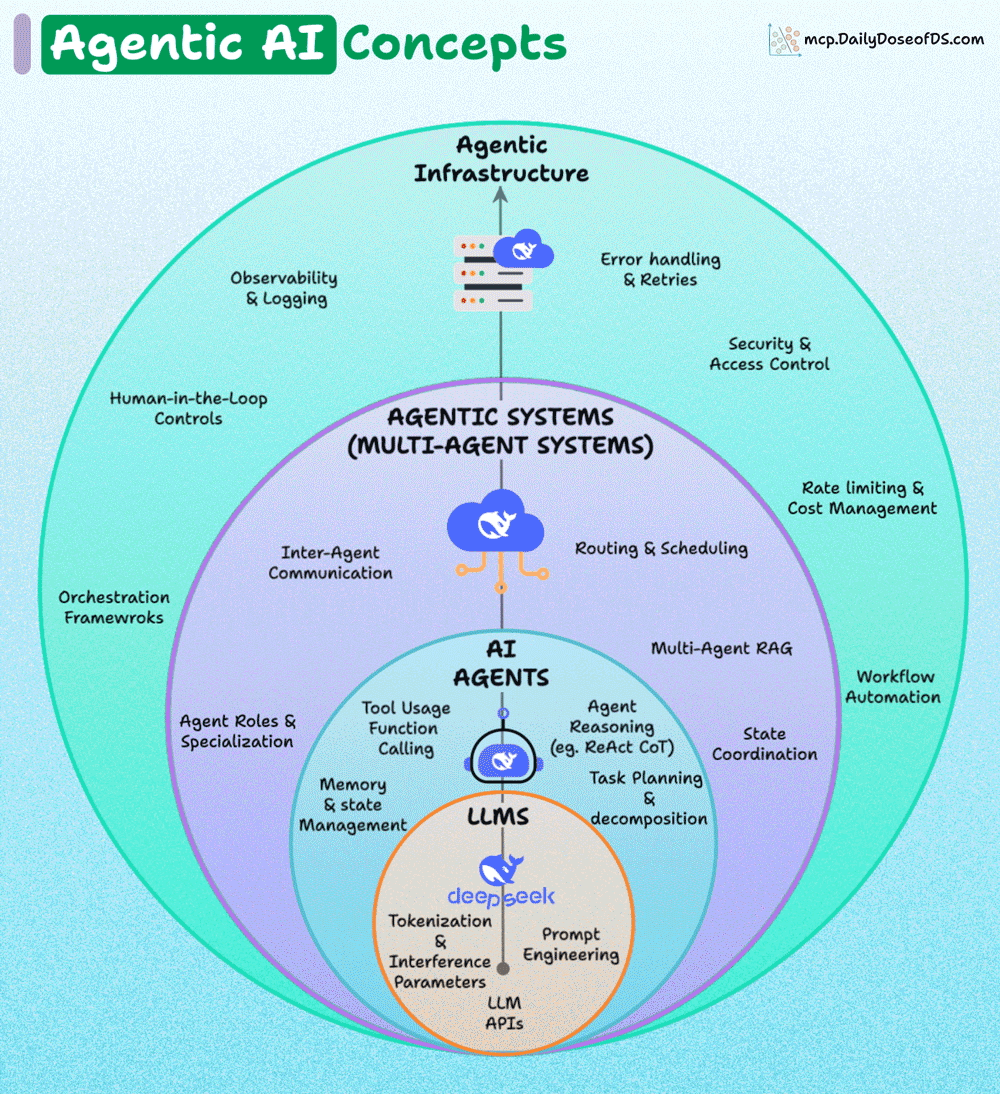
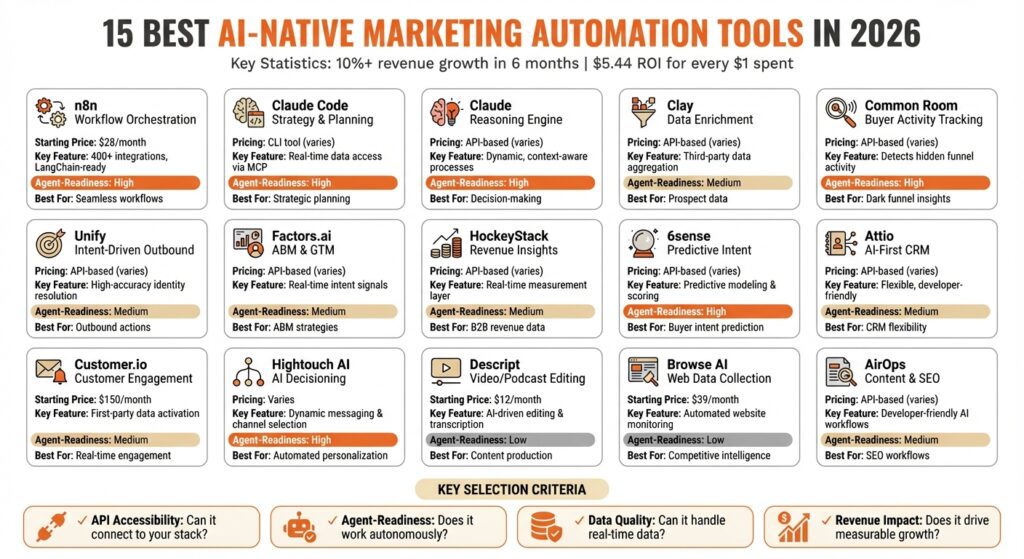
Layer 3 — Intelligence coordination: the real 2026 shift. AI is no longer just a feature inside individual tools — it’s becoming the layer between them. Zapier and Make handle predictable, rule-based work (“when a form is submitted, post to Slack”). Newer agent platforms like Coworker handle ambiguous, judgment-based work — reading a sales call and updating a CRM, drafting follow-ups, flagging stale pipeline — without a human writing the trigger first. Most teams that scale end up needing both categories, not one.
What Breaks at Scale
Gartner’s directional forecast puts task-specific AI agents in 40% of enterprise applications by end of 2026, up from under 5% at the start of 2025 — treat that as an industry-standard estimate, not a hard count; Gartner doesn’t publish the underlying methodology. MarketsandMarkets projects the AI agent market growing from $7.84B in 2025 to $52.6B by 2030, a 46.3% CAGR. Gartner separately forecasts more than 40% of agentic AI projects will be canceled by 2027, citing cost, unclear value, and weak risk controls — the same firm expecting both fast adoption and heavy failure is itself the useful signal here.
- Agent collision: a CRM agent updates a deal, a PM agent sees it and creates a task, an automation platform posts to Slack, a summary bot notifies the whole channel — including the person who made the original update.
- Context drift: each agent sees its own slice of data. No single one connects “budget is tight” + “deadline moved” + “team is frustrated” into what a person would: this needs a conversation, not another automated nudge.
- Permission sprawl: agents need broad access to be useful, which cuts against least-privilege security. Only about 21% of organizations report a mature governance model for agentic AI — roughly four in five are scaling agents without one.
The fix isn’t fewer agents — it’s orchestration: a coordination layer that knows what every agent is doing and keeps an audit trail.
How to Choose Without Regret
Skip the feature matrices. Answer these in order: Where do decisions actually happen — in threads, standups, or doc comments? That tool is your backbone. What was last quarter’s most expensive coordination failure — a missed deadline, a duplicated effort? Whichever tool would have prevented it is the execution-layer priority. How much of the work is ambiguous versus predictable — that determines rule-based versus context-based automation. And what’s the real budget per person, including AI add-ons ($8–30/user/mo), automation platforms, and the training time a switch costs.
The deeper reason teams resist new tools is rarely price or learning curve — it’s that visible, automated coordination threatens whoever currently controls the information flow informally: the person who owns the workspace, the person who knows the automation rules, the person who schedules the meetings. Before buying anything, it’s worth asking directly who that is and what happens to their role. Skip that conversation, and no onboarding tutorial fixes the resistance that follows.
Mapping This to Your Own Team
The right stack depends on where your decisions actually happen and which failure is costing you the most right now — not a generic tier list. If you want to work through your specific setup rather than guess from a table, aipersonalization.cloud walks through the same four questions above against your actual tools and team size.
Work Through Your Stack →What’s the single best all-in-one AI work platform in 2026?
There isn’t one. Every “all-in-one” platform is strongest at one job — visual coordination for monday.com, operational depth for ClickUp, flexible documentation for Notion — and weaker at the others. Teams that hold up past roughly 12 people run three separate tools, not one.
Is monday.com or ClickUp better for a small team?
For speed of adoption, monday.com’s ease-of-use edge on G2 (9.0–9.1 vs. ClickUp’s 8.4–8.5) is real. For a team expecting to need deep customization within a year, ClickUp’s flexibility usually pays off despite a steeper curve. Overall satisfaction is close enough on G2 (both ~4.7/5) that this is a fit question, not a quality one.
Do I need a separate AI automation tool if my PM tool already has built-in AI?
Usually yes. Built-in AI (Notion AI, ClickUp Brain) mostly operates inside that one tool’s data. Cross-tool automation — reading a meeting, updating a CRM, creating a task elsewhere — needs a rule-based platform (Zapier, Make) or a context-aware agent that reads and writes across systems.
Is it safe to give an AI agent access to Slack, email, and a CRM at once?
It’s common, but most organizations aren’t governing it well — only ~21% report a mature agentic-AI governance model. Define what an agent can do autonomously versus what needs human approval, and keep an audit trail, before granting broad access.
How much should a 15-person team budget for a full AI-enabled stack?
Realistically $400–$1,200/month depending on ecosystem and how much AI automation gets layered in. The biggest swing factor is whether Microsoft 365 Copilot ($30/user/mo) is in the mix — it roughly doubles the AI-layer cost versus Zoom’s bundled AI Companion or Slack’s included basic AI.