
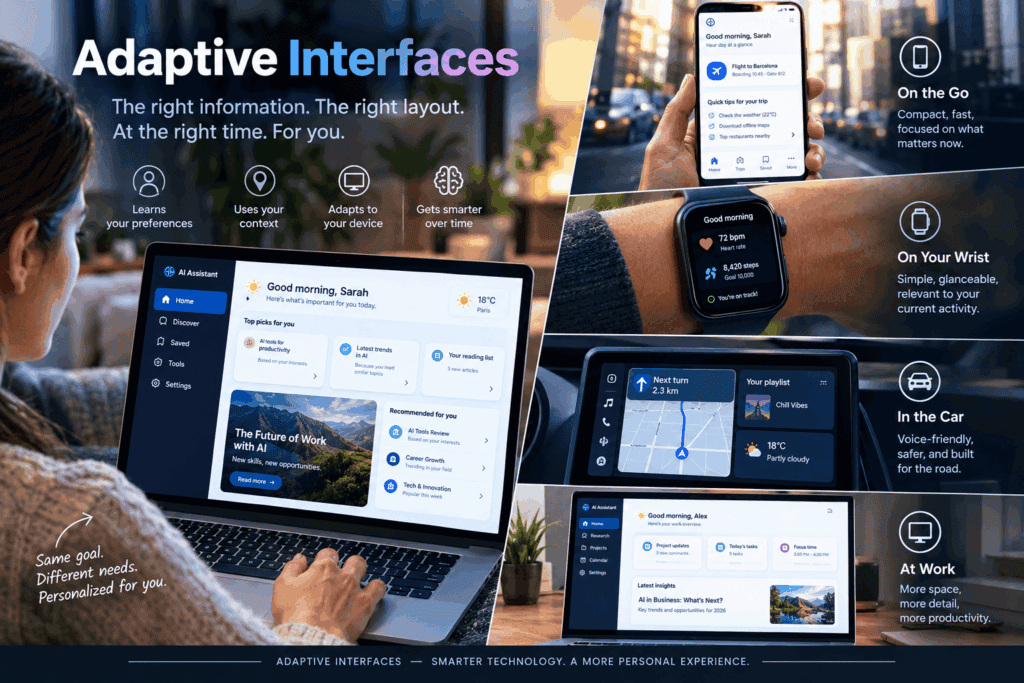
In 1999 and 2000, Microsoft shipped one of the most confident ideas in the history of user interfaces: menus that learned. Use a command often, and it would float into a short menu. Ignore a command, and it would disappear behind a little chevron. The software was adapting to you.
It did not go well. Jensen Harris, a Microsoft designer who wrote extensively about the Office interface, later wrote that adaptive menus were not successful. His diagnosis was specific: scanning them took two passes, and when the hidden items appeared in place, they reset your scan. A few years later he announced that, for Office 12, the default would flip so full menus were always shown.
That story matters because we are about to repeat the experiment at a much larger scale. Vendors now promise interfaces that rearrange themselves for every visitor in real time. Some of those promises rest on solid evidence. Many rest on nothing at all.
This article sorts the two. It covers the real cases, the numbers that exist, the numbers that get misquoted, and a practical way to try this without repeating Office 2000. Wherever the evidence is thin, I say so.
The short answer
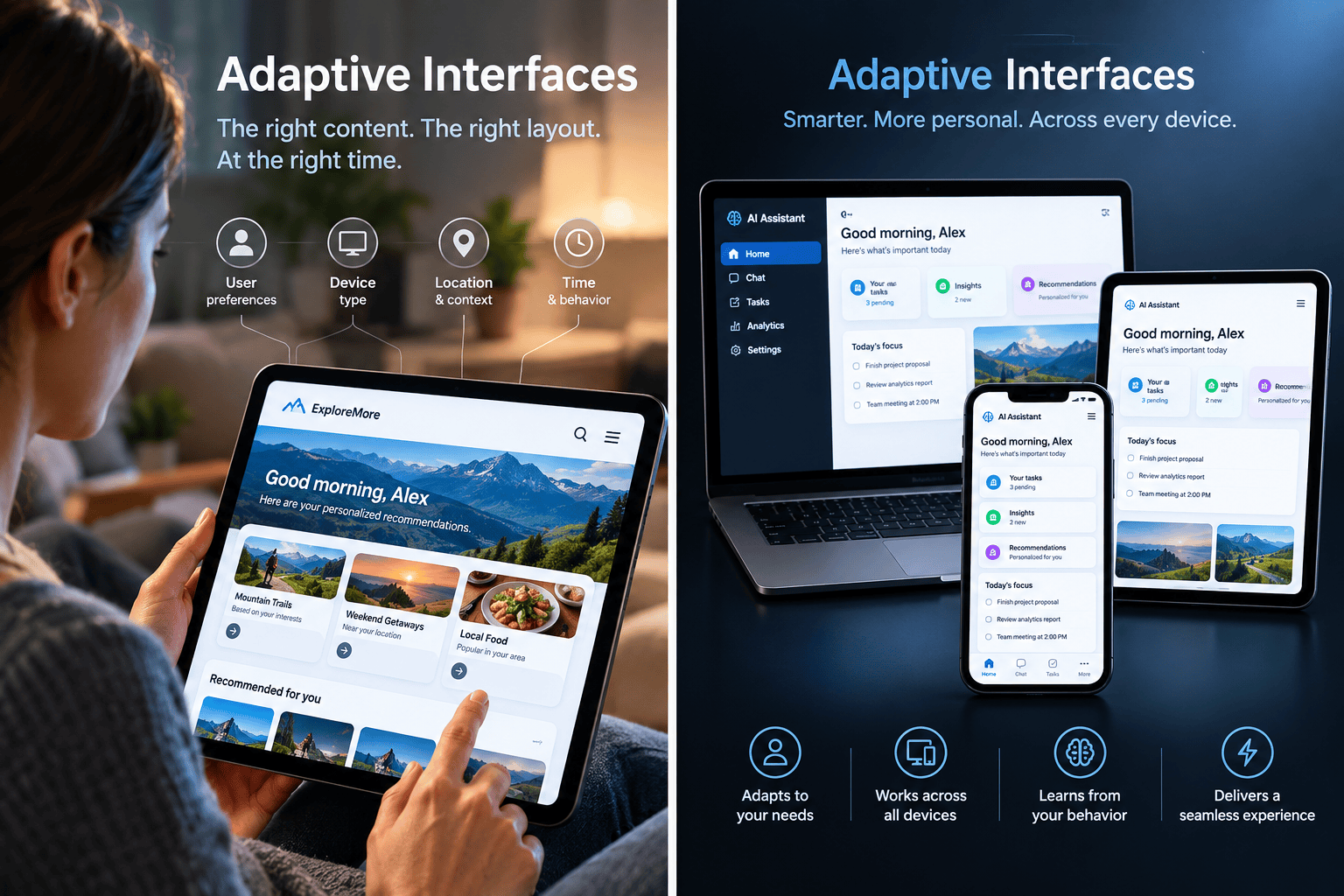
An adaptive interface is a user interface that changes its own layout, content order or features based on what it learns about the person using it. Modern versions use machine learning (prediction models, or “bandit” algorithms that keep testing options) to decide what to show, where, and when. The best-documented wins are in accessibility and in ranking content on busy screens. The best-documented failures come from moving familiar controls around.
If you only remember one thing: adaptation helps when predictions are accurate, and the change is gentle. It hurts when the interface becomes unpredictable. Every strong case below follows that rule.
First, untangle the vocabulary
People use these terms as if they were interchangeable. They aren’t.
| Term | Who decides the change | Example |
|---|---|---|
| Adaptive | The system, automatically | Office 2000 personalized menus |
| Adaptable | The user, manually | Dragging buttons onto your own toolbar |
| Personalization | The system, but often only content or offers, not layout | “Recommended for you” rows |
| A/B testing | Humans pick a winning layout for everyone (or a segment) | Testing two checkout pages |
| Responsive design | The screen size | A page that reflows on a phone |
| Generative UI | A model builds an interface on demand, usually per request | Google’s experiments in the Gemini app |
The adaptive/adaptable split comes from HCI research: in Findlater and McGrenere’s 2004 study, adaptive means the system controls the change and adaptable means the user does. That distinction turns out to be the hinge of the whole debate.
How the machinery works (without the jargon)
There are three generations of adaptive logic, and most real products mix them.
1. Rules. “If the visitor came from a pricing-page ad, show the pricing block first.” Easy to build, easy to explain, brittle. Early adaptive systems relied heavily on explicit rule sets, and researchers note they needed manual configuration for every new task.
2. Predictors. A model reads the visitor’s recent behavior and guesses the next move. A 2026 paper by Mona Rajhans (arXiv:2602.03154) sketches a typical architecture: a tracker logs clicks, scrolls and dwell time; an LSTM sequence model predicts likely next actions; a reinforcement-learning agent ranks content; and a “layout adjuster” re-renders only the affected components so the page doesn’t jump around.
3. Bandits. Instead of training a model for months and then A/B testing it, a bandit keeps choosing, observing, and updating, and deliberately sets aside some traffic to try things it isn’t sure about. Netflix describes using contextual bandits for artwork, and Spotify’s research on its Home screen uses the same explore-versus-exploit logic. Spotify researcher Mounia Lalmas illustrates it with a coin flip: heads, show the card the model predicts is best; tails, show a random one from the shortlist (slides).
Keep that third idea in mind. Deliberate randomness is not a bug. It’s what stops an adaptive system from locking visitors into whatever it believed on day one.
How I graded the evidence
Not all “case studies” are equal, so every case below gets a grade.
| Grade | Meaning |
|---|---|
| A | Controlled study with published methods and numbers |
| B | Credible first-party account (company researchers or designers); method described, numbers partly or fully withheld |
| C | Author-reported prototype, synthetic data, or very small sample |
| D | Marketing claim with no evidence attached |
The case files
Case 1: Office 2000 and Windows 2000, the cautionary tale (Grade B)
What adapted: menu contents. Frequently used commands got promoted, unused ones hidden. Windows 2000 did the same to the Start menu, moving recently used items up and hiding the rest behind an arrow.
What happened: users complained that commands had vanished, and Microsoft’s own designer concluded the design added inefficiency. In Office 12, the default was reversed. There are no public usage numbers, so this is a documented outcome, not a measured effect size.
The lesson: the algorithm was, in Harris’s words, complex and well thought-out, and it still lost. The problem wasn’t intelligence. It was that people build muscle memory and spatial maps, and any adaptation that disturbs them has a real cost.
Case 2: The accuracy question, tested in the lab (Grade A)
Academic HCI spent two decades asking exactly what the Office team learned the hard way: when does an adapting interface help?
- In a 2009 CHI paper, Findlater and colleagues tested “ephemeral adaptation,” where predicted items briefly stand out and then fade, so the menu’s layout never actually moves. Across two experiments with 48 users in total, these menus were faster than static ones when prediction accuracy was high (79%), and not significantly slower when accuracy was low (50%).
- Krzysztof Gajos and colleagues compared accuracy and predictability directly. A later review of the area summarizes the finding: raising accuracy improved selection time more than raising predictability did. Gajos’s own summary points the same way for satisfaction and performance.
The lesson: accuracy matters most, but how you adapt matters too. Highlighting, with nothing moving, was the safe option. Don’t treat 79% as a magic threshold, though. It’s one result from one menu task in a lab.
Case 3: SUPPLE++ and interfaces built around a person’s abilities (Grade A, small sample)
This is the strongest peer-reviewed win I found, and it has nothing to do with conversion rates.
Gajos, Wobbrock and Weld built a system that gives people a short motor-performance test and then generates an interface sized and arranged for their abilities. In a study comparing it with manufacturers’ default interfaces, participants with motor impairments were 26.4% faster and made 73% fewer errors. They strongly preferred the generated interfaces. The sample was small: 11 participants with motor impairments and 6 able-bodied participants.
One detail I like: the team reports that the benefits far outweighed the drawbacks of unfamiliar aesthetics. Adaptation is easiest to justify when the default interface is genuinely failing someone.
The lesson: when the baseline is bad for you, an adapted interface is a gain, not a surprise. This is the cleanest argument for the whole field.
Case 4: Netflix artwork, personalization at planetary scale (Grade B)
What adapted: the image used to represent each title. Netflix’s team frames it as a contextual bandit problem: pick the artwork most likely to make this member click, learn from what happens, repeat.
The evidence: Netflix reports that the personalization generated a significant lift in core metrics. I could not find a published percentage. On scale, a conference talk by Netflix’s Tony Jebara describes handling over 20 million personalized image requests per second.
Two honest footnotes. First, an independent analyst pointed out that it’s nearly impossible to compare results with everything else held equal. Second, Netflix’s own list of open questions includes whether changing artwork makes a title harder to find again. That is the Office 2000 worry showing up in a very different product.
The lesson: the part that gets adapted is a picture, not navigation. Netflix changes what is persuasive and leaves the structure alone.
Case 5: Spotify Home, ranking the shelves (Grade B)
Spotify’s Home screen is the default screen of its mobile app, and a bandit system called BaRT decides what it shows. According to a secondary explainer, it ranks both the rows (“shelves”) and the cards within each row. The underlying research is the 2018 RecSys paper Explore, Exploit, and Explain (McInerney et al., pp. 31-39), which pairs recommendations with explanations of why they were chosen.
I found no public lift figure for this one either.
The lesson: content on a fixed grid is reordered, while the grid itself stays put. And exploration is built in on purpose.
Case 6: The prototype that reports 20-30% gains (Grade C)
If you search for numbers on AI layout adaptation, you’ll find Rajhans’s paper, so read it carefully. The author reports that in a simulated Security Operations Center dashboard with 100 participants, an AI-driven layout beat a rule-based one:
| Metric | Rule-based | AI-driven | Change |
|---|---|---|---|
| Average session duration | 3.2 min | 4.1 min | +28% |
| Click-through rate | 0.21 | 0.29 | +38% |
| Task success rate | 0.68 | 0.87 | +28% |
Task success rate (each █ = 5 percentage points)Rule-based ██████████████ 68%AI-driven █████████████████ 87%Those are encouraging numbers, and the paper is clear about its design. But they come from a prototype, a synthetic dataset, and one specialized dashboard. The text also says “20-30%” in one place while the CTR result works out to +38%. There’s no independent replication, and nothing here says the result transfers to a retail homepage. Treat it as a promising lab result, not proof.
Case 7: Google’s generative UI (Grade B, different problem)
Google Research reports that, ignoring generation speed, its generative interfaces were strongly preferred by human raters over standard LLM outputs, and that sites made by human experts were preferred most.
Read that last part again. This is about building an interface for a prompt, not rearranging a website for a returning visitor. And even there, the human-designed sites won.
The “no two visitors see the same page” pitch (Grade D)
Some product launch pages promise that no two users will ever see the same UI. That is a claim about variation, not about results. Variation by itself has no value. It’s only useful if it makes people faster, happier, or more likely to finish a task, and that is precisely what has to be proven.
The numbers in one place
Accessibility (SUPPLE++, motor-impaired users vs. default interfaces)
Faster task completion ███████████ +26.4%Fewer errors █████████████████████████████ -73%(each █ = 2.5 percentage points)How often do ideas actually move the metric they were built for?
Ronny Kohavi, who led experimentation at Microsoft, reported that only about one-third of well-run experiments improved the target metric. A newsletter edited by Kohavi puts the rate at 10-15% at places like Booking.com, Google Ads, Netflix and Bing, and 8% for one Airbnb relevance team. That’s a secondary source, so treat the exact figures as approximate.
Microsoft (typical) ████████████████ ~33%Booking/Google Ads/Netflix/Bing ██████ ~10-15%Airbnb relevance team ████ ~8%(each █ = 2 percentage points)Why this matters here: a smart-sounding adaptive layout is just another idea. Most ideas don’t work, and adding “AI” to the label doesn’t change the base rate.
What personalization, broadly, is worth
McKinsey’s research says personalization most often drives a 10-15% revenue lift, with company-specific results ranging from 5 to 25%.
Range of reported lift: 5% |=========================| 25%Typical: 10% |=====| 15%A warning about this statistic. It is routinely repeated as “McKinsey’s 2025 research,” but it comes from McKinsey’s Next in Personalization work, which at least one retail analysis dates to 2021. More importantly, it is about personalization (offers, content, messaging) in general. It is not a measurement of real-time layout changes. If a vendor quotes it to sell you layout adaptation, they’re stretching it.
A timeline of the field
| Year | Milestone |
|---|---|
| 1994 | Split menus introduced (Sears and Shneiderman) |
| 2000 | Office and Windows ship personalized menus |
| 2004 | Findlater and McGrenere compare static, adaptive, and adaptable menus |
| 2007-08 | SUPPLE++ shows large gains for users with motor impairments |
| 2007 | Office 12 turns personalized menus off by default |
| 2009 | Ephemeral adaptation: highlight, don’t move |
| 2018 | Spotify publishes its bandit-based Home research |
| 2026 | LSTM + RL front-end personalization architectures appear in the literature |
What the evidence adds up to
Put the cases side by side and a few patterns jump out.
- Moving things is expensive. Highlighting and reordering content is cheap. The failures (Office, Windows) moved controls people had learned. The successes (Netflix, Spotify) changed persuasive content on a stable layout. The lab work found that highlighting with nothing moving was the safe route.
- Accuracy is the gate. If your model’s top pick is right half the time, you may be fine with a gentle highlight and in trouble with anything more.
- The biggest wins go to people the default fails. Motor impairments, small screens, unusual devices. The “average user” often gets the smallest gain.
- Stability beats cleverness. A Glasgow study of adaptive homescreens notes that how often changes are applied affects how predictable the interface feels.
- Almost no one publishes the number. Netflix and Spotify, the two best-known cases, publish methods and scale but not lift. When a headline figure is missing from a big company’s own write-up, ask why before you trust a vendor’s.
A practical playbook
This section is my synthesis of the evidence above, not a proven recipe. Each step maps to a documented finding.
1. Start with a reversible, low-stakes decision
Good first candidates: the order of content modules, which proof point sits above the fold, the default tab, which product category leads. If a wrong guess costs a visitor one extra scroll, you can afford to be wrong.
2. Freeze the skeleton
Global navigation, search, cart, checkout, and anything people find by memory should stay put. This is the direct lesson from Office 2000, and Netflix’s open question about re-finding a title echoes it.
3. Measure prediction accuracy offline before you ship anything
Take historical sessions and ask: how often would the model’s top suggestion have been what the visitor actually used next? Compare it to something boring like “most recently used” or “most popular.” If the model can’t beat the boring baseline, you don’t have an adaptive interface; you have an expensive random number generator. One review of menu-prediction research notes that simple frequency and recency methods usually have low accuracy, so the bar isn’t impossible, but you have to check.
4. Prefer ephemeral cues to rearrangement
Findlater’s ephemeral adaptation worked by drawing attention briefly while keeping spatial consistency. On the web, think emphasis, badges, and a short highlight, not shuffling blocks.
5. Change between sessions, not mid-task
Adapting when someone arrives is far less disorienting than adapting while their cursor is already heading somewhere. Frequent changes make an interface feel unpredictable.
6. Always provide a way out
Within months of Office 2000, commentators were publishing instructions for switching personalized menus off. If users have to hunt for an escape hatch, the feature has already lost. A visible “show default layout” control costs almost nothing.
7. Explore on purpose
Spotify’s explore/exploit design exists for a reason. A system that only exploits what it already believes will never discover that it was wrong, and visitors never see anything new.
8. Run it as a real experiment
Keep a holdout group that sees the static page. Pick one primary metric and a few guardrails (task completion time, search usage, support tickets, return visits). Remember Kohavi’s base rate: most ideas, including good-sounding ones, don’t win. Judge the adaptive version against the best static version you can build, not against a neglected page.
9. Look for the accessibility win first
The best evidence in this whole field is about adapting to abilities. Larger targets, simplified layouts and device-aware arrangements are good places to begin, and they also happen to be where privacy risk is lowest, because the signal can be a setting the user chose.
What to adapt, and what to leave alone
| Usually safe to adapt | Handle with care | Leave alone |
|---|---|---|
| Order of content modules | Prominence of calls to action | Global navigation |
| Which article, product or proof point leads | Default filters and sort order | Search placement |
| Imagery and headlines | Number of items shown | Checkout steps and form order |
| Emphasis or highlighting | Menu contents | Anything legally required (pricing, consent controls) |
Privacy, consent and trust
Adaptive layouts run on behavioral data, and in Europe that brings real obligations. I’m not a lawyer, so treat this as orientation, not advice.
- The ePrivacy Directive requires consent whenever trackers are stored on or read from a user’s device for non-essential purposes, and GDPR consent has to be informed, specific, freely given, and unambiguous. Withdrawing it must be as easy as giving it.
- The EDPB’s consent guidance says that making access to a site conditional on accepting cookies is not valid consent, and neither is scrolling.
- GDPR’s strictest rule on automated decisions, Article 22, applies to decisions with legal or similarly significant effects. Reordering a homepage is unlikely to qualify, but profiling still needs a lawful basis. A layout that changes price, credit, or eligibility is a different matter.
Practical translation: design your adaptation to work well on first-party, in-session signals and explicit user settings, ask a privacy professional where the line falls for your setup, and make the “why am I seeing this?” answer easy to find. Rajhans’s own prototype shows a subtle cue when layouts change because of inferred behavior. That’s a cheap trust-builder worth copying.
What we still don’t know
An honest case study has to say where the map ends. In my research, I did not find:
- an independent, controlled study of full-page layout regeneration on a live commercial site, with published methods and effect sizes;
- public lift figures from Netflix or Spotify for their adaptive work;
- long-term data: does a gain at week one survive when the novelty wears off? (Any short experiment can’t answer this.)
- evidence on how adaptive layouts affect people using screen readers or keyboard navigation when the structure changes.
If a vendor tells you they have all four, ask to see them.
FAQ
What is an adaptive interface? A user interface that changes its own layout, content, or features automatically, based on what it learns about the person using it. It differs from an adaptable interface, where the user makes the changes.
Does AI-driven layout adaptation increase conversions? Personalization in general is associated with revenue lifts typically around 10-15% according to McKinsey, but that’s not a measurement of layout adaptation specifically. I found no independent, published conversion figure for real-time layout changes. Run your own controlled test.
How accurate does the prediction need to be? There’s no universal threshold. In one lab study, menus that highlighted predicted items beat static menus at 79% accuracy and weren’t significantly slower at 50%. Measure your own model against a simple baseline.
What’s the difference between adaptive UI and generative UI? Adaptive UI changes an existing interface over time for a person. Generative UI creates an interface on demand, usually for one request. Google’s evidence for generative UI concerns the second case.
Is it safe for accessibility? The strongest evidence is positive, but it involves interfaces generated from a person’s known abilities, not from guessed behavior. Unpredictable layout changes can be hard for anyone who relies on consistent structure, so keep the skeleton stable and test with assistive technology.
Can a small team do this? Yes, and the sensible way is small: reorder content blocks on a stable layout, use a holdout group, and judge the result against your best static page before adding machine learning.
Why did Office’s personalized menus fail? Per Microsoft’s own designer, scanning them took two passes and revealing hidden items disrupted your scan. Users lost the stable positions they’d learned.
Bottom line
Adaptive interfaces are real, and the best versions of them are quietly excellent: a layout sized for someone’s hands, a thumbnail chosen for someone’s taste, a shelf ordered for someone’s evening. But the field’s history argues for restraint. The cases that worked changed content and left structure alone, earned their accuracy before shipping, and gave people an exit. The cases that failed were clever in exactly the wrong place.
So don’t ask, “Can AI redesign my layout for every visitor?” Ask: “What is the one low-risk decision I can adapt, how will I know I’m right more often than a simple rule, and what happens to the person when I’m wrong?”
Sources
Peer-reviewed and academic
- Findlater, L., Moffatt, K., McGrenere, J., Dawson, J. (2009). Ephemeral Adaptation: The Use of Gradual Onset to Improve Menu Selection Performance. CHI 2009. PDF · DOI
- Findlater, L., McGrenere, J. (2004). A Comparison of Static, Adaptive, and Adaptable Menus. PDF
- Gajos, K., Czerwinski, M., Tan, D. (2006). Exploring the Design Space for Adaptive Graphical User Interfaces. AVI ’06. PDF
- Gajos, K., Wobbrock, J., Weld, D. (2008). Improving the Performance of Motor-Impaired Users with Automatically-Generated, Ability-Based Interfaces. Page
- Gajos, K., Weld, D., Wobbrock, J. (2010). Automatically Generating Personalized User Interfaces with Supple. PDF · SUPPLE project
- Gajos, K. Adaptive Interfaces: Do People Want Them? PDF
- University of Glasgow (2016). Study of predictability and stability in adaptive homescreen menus. PDF
- Rajhans, M. (2026). Intelligent Front-End Personalization: AI-Driven UI Adaptation. arXiv:2602.03154, to appear at IEEE ACDSA 2026. arXiv
- McInerney, J. et al. (2018). Explore, Exploit, and Explain: Personalizing Explainable Recommendations with Bandits. RecSys 2018, pp. 31-39.
Company and practitioner sources
- Harris, J. (Microsoft). Combating the Perception of Bloat and The End of Personalized Menus.
- Microsoft TechNet. Disable personalized menus.
- Netflix Technology Blog. Artwork Personalization; Jebara, T. Artwork Personalization at Netflix (talk).
- Lalmas, M. (Spotify). Recommending and Searching: Research @ Spotify (slides).
- Google Research. Generative UI: A rich, custom, visual interactive user experience for any prompt.
- Kohavi, R. Online Controlled Experiments: Introduction, Learnings, and Humbling Statistics.
Business research and regulation
- McKinsey & Company. The value of getting personalization right, or wrong, is multiplying.
- Hello Retail. Ecommerce personalization statistics (used only to date the McKinsey research).
- Gupta, A. How to Choose the Right Metrics to Evaluate Experiments (secondary source for experiment hit rates).
- EDPB consent guidance, summarized by Lexblog; GDPR/ePrivacy overview in Automating privacy decisions: where to draw the line?.
This article is for information, not legal advice.