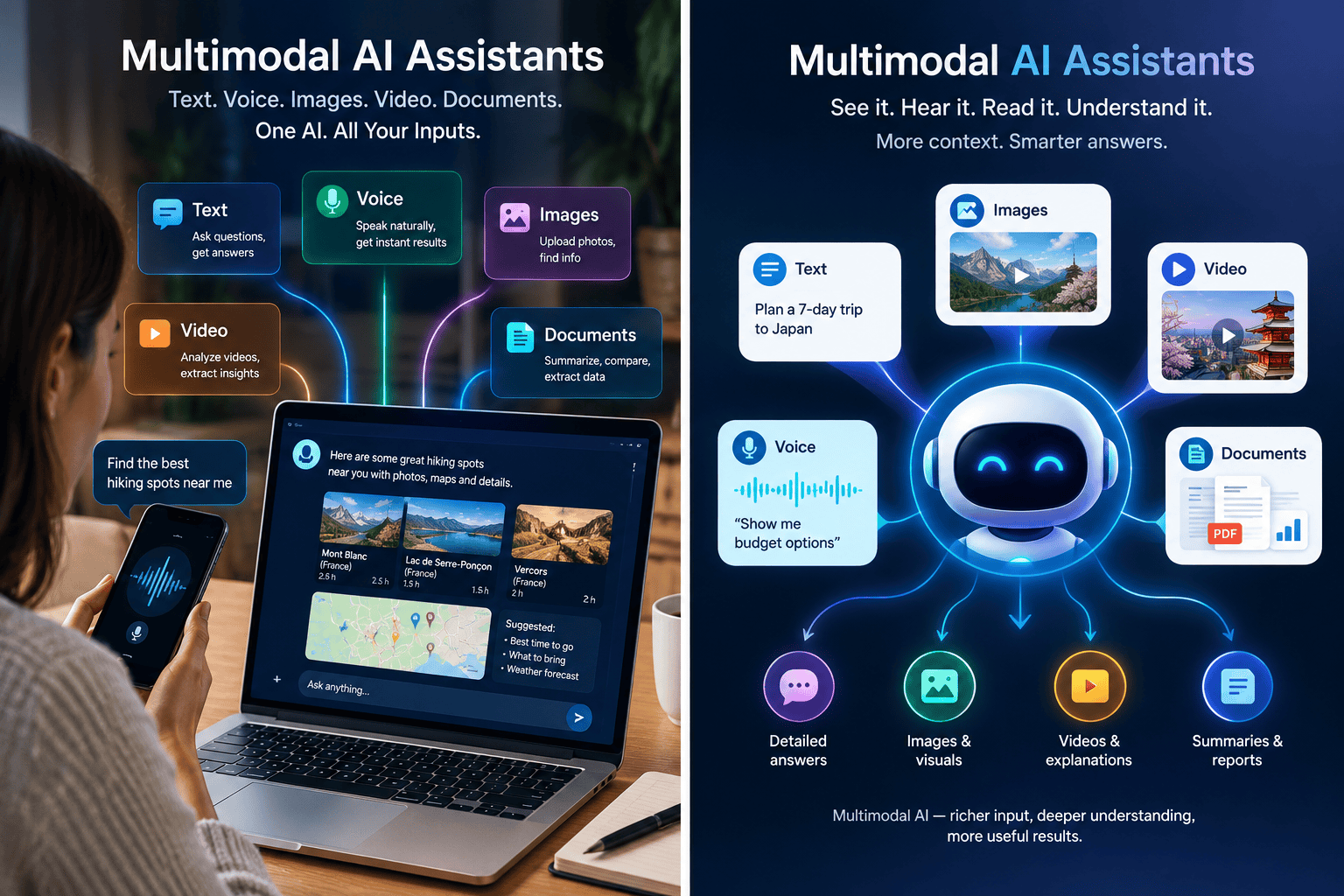

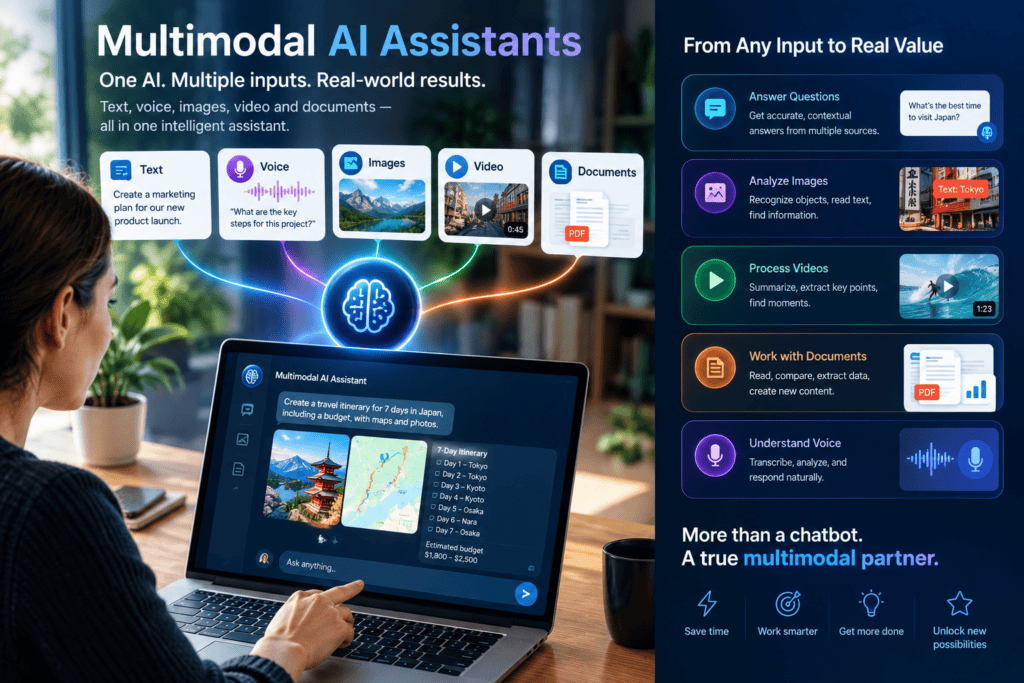
A multimodal AI assistant accepts and produces more than one kind of content — text, speech, images — inside a single conversation. The models behind these systems are now good enough that they are rarely the reason one fails in production. What decides success is routing: choosing which modality to answer in, and keeping task state intact when the user moves between them.
This post argues three positions, and argues them rather than surveying the field:
- Text is the control surface. Any assistant that calls tools, moves money, or handles personal data should keep an inspectable text artifact in its pipeline — even at a latency cost.
- Routing is a control problem, not a feature list. Every output must survive the loss of its preferred modality mid-session, or it will fail exactly when the user needs it most.
- Emotion inference is a legal liability by construction in EU workplace and education deployments, and should be designed out before it is built, not patched after.
A fourth claim runs underneath: the public evidence base here is thin, and I will say exactly how thin, once, at the end, instead of hedging every paragraph.
The failure that frames everything else
An agent decides a side-by-side comparison would help the customer. The customer is on a phone call with no screen in front of them. What happens next?
That question came from a commenter under the launch page for Sierra’s multimodal agents, a product that switches among voice, text, and visuals as the conversation requires. The commenter, who builds voice AI for an older caller population, argued that the hard part was never the speech model but knowing when voice stops being the right surface. One anonymous account, unverifiable — but it names a failure most explainers skip entirely.
Most coverage of multimodal assistants describes them as a set of input channels: a text box, a microphone, a camera. Accurate and nearly useless for building one. The interesting engineering sits at three seams: where text exists in your pipeline, how you pick an output modality, and what the system infers from the user’s face and voice.
Seam one: keep text as the control surface
A voice assistant has to hear, decide, and speak. Two basic architectures:
Cascaded pipeline. Audio goes through voice activity detection and turn detection, then speech-to-text, then a language model, then text-to-speech. Each stage is a separate component.
Speech-to-speech (S2S). One model takes audio in and produces audio out, with no intermediate transcript.
The vocabulary is less settled than vendors suggest. Some classify the current live-voice offerings as “half-cascade”; some systems listen natively but reply in text; some hand search and reasoning to background text models anyway. “Speech-to-speech” can mean fully native audio or a hybrid that still leans on text — so ask which one you are buying.
The comparison everyone runs is about latency. The better comparison is about control: in a cascade, text is a first-class artifact you can inspect, log, filter, and rewrite. In a native S2S model, it mostly isn’t. OpenAI’s own documentation positions the chained path for exactly these cases — inspect or transform text between stages, reuse an existing text agent, keep workflows predictable — and the S2S path for conversational feel. Tone and prosody, which a transcript flattens, can reach the reasoning step only in a native audio system.
| Dimension | Cascaded | Speech-to-speech |
|---|---|---|
| Inspectable intermediate text | Yes, at two points | Limited or none |
| Swap one component | Yes, per stage | No — tied to one provider |
| Turn-taking layer | Separate, you control it | Inside the session |
| Tone/prosody reach reasoning | Mostly lost at transcript | Preserved |
| Vendor’s pitch | Control, compliance | Speed, feel |
Here is the position, argued rather than hedged: if your assistant calls tools, handles money or personal data, or operates under audit requirements, cascade is the default, and choosing S2S should require a written justification. Text is your only practical control surface. A reviewer who must read what the assistant heard and said cannot work from audio. Giving that up for turn-taking feel is a legitimate trade — for a companion app or a low-stakes consumer flow with a small tool surface. It is not a legitimate default for anything transactional. The burden of proof belongs on the latency win, not on the audit trail.
Seam one, continued: the latency numbers don’t mean what they seem to
Every voice-agent page cites latency. None agree:
| Source | Claim | Problem |
|---|---|---|
| Gradium | Cascades take 1.5–3s end-of-speech to first audio | Commercial site, no stated test conditions |
| LiveKit | Streamed cascade lands at 400–800ms | Vendor describes an optimized setup |
| Dograh | S2S roughly halves latency vs. cascade | No visible methodology for either number |
| Softcery (DEV) | S2S at 200–300ms | Interval not precisely defined |
Put side by side, these imply a gap between S2S and cascade of anywhere from 1.3x to 15x — depending entirely on which cascade is the baseline. A naive sequential build and a well-tuned streamed build are different systems, and an S2S claim measured against the first looks dramatic.
The direction is not in doubt: streaming and overlapping stages narrow the gap a lot, and everyone selling voice infrastructure agrees. The size of the remaining gap on your traffic is unknown from public evidence, because the study that would settle it — same audio set, same region, same turn-detection settings, time-to-first-audio at P50 and P95, published by someone who sells neither — does not exist. So run it yourself:
- Time the right interval: end of user speech to first audio byte at the client. Mark end of speech yourself from recorded audio — the system’s own end-of-turn event hides the turn-detection delay you are trying to measure.
- One fixed audio set per architecture — noisy, accented and hesitant samples included — and hold region, network path, model versions and turn-detection settings constant.
- Run a few hundred trials per condition. P95 from a few dozen runs rests on a handful of slow samples.
- Report P50, P95, and failure counts — cut-offs and late replies — alongside the headline number.
If you run this, publish the setup and raw numbers. The field currently has vendor ratios and no independent figures; one clean public dataset is worth more than another comparison post.
One more engineering fact worth keeping: fixed silence-threshold VAD is a common cause of late replies and mid-sentence cutoffs, and at least one vendor recommends semantic turn detection instead. Also, word error rate on clean English has plateaued around 2–3%, which means turn detection, streaming latency, and entity preservation are what separate vendors — and that figure says nothing about noisy rooms or accented speech, which is where many real users are.
Seam two: routing is a control problem
Input is the easy half: the user speaks, types or taps, and the system receives it. Output is a decision, and most sources treat it as a feature list. The router below is the control structure this section argues for.
The figure encodes three rules.
- Voice is the only output always available on a voice surface. The router must never emit a visual-only answer without a voice or text equivalent. This is the Sierra-commenter failure turned into a rule.
- A visual requires a confirmed screen, not an assumed one. Confirmation comes from the client (the session started in an app) or from asking. If neither is available, describe the comparison aloud and send the table as a message.
- State must record what the user actually received. If the user barged in halfway through an answer, the system has to know how much was heard. A voice-to-screen handoff that restarts the turn instead of carrying state is the second failure the commenter raised — and the Sierra page does not say how it handles it.
A routing matrix
| Situation | Best output | Fails when |
|---|---|---|
| Hands busy, eyes busy | Voice | Noisy environment; user can’t hear |
| Comparing 3+ options | Visual or table | No screen; screen reader needs structure |
| Reference needed later (address, code, steps) | Text message | No text channel on file |
| Something broken or visual | User sends a photo | Blurry or off-target photo; camera unavailable; privacy concern |
| User taps something while speaking | The tap wins | Accidental taps |
| Low-confidence recognition | Short readback | Over-confirmation irritates users |
This matrix is a set of starting hypotheses drawn from multimodal UX guidance, not measured results — test them against your own transcripts.
Seam two, continued: vision fails at capture, not at the model
The pitch for vision in conversation is that a photo beats a description. Often it does. The weak point sits upstream of the model.
The VizWiz dataset (Gurari et al., CVPR 2018) holds more than 31,000 visual questions from blind people who each took a phone photo and recorded a spoken question about it. Around 28% of the questions could not be answered — poor focus and lighting, or the content of interest simply missing from the frame — because the photographers could not check their shots. A later study on long-form answers over VizWiz images found that vision-language models often hallucinate incorrect visual details, especially on those unanswerable questions. Two cautions: the 28% figure comes from blind photographers who cannot verify framing, so don’t apply it to sighted users, and the hallucination study reflects models of its time — evidence of a failure pattern, not a measurement of today’s systems.
Two behaviors follow, and they are non-negotiable for a live vision flow:
- Capture feedback. If the frame is blurry, dark, or missing the object, say so and ask for another shot before attempting an answer.
- Abstention. When the image cannot support an answer, say “I can’t tell from this.” Each behavior costs one sentence of dialogue; skipping them turns a bad photo into a confident wrong answer.
One shipping detail that will stay true regardless of model generation: camera and screen sharing can stop mid-session — when Live is paused or the screen locks, per Google’s own support documentation as summarized in April 2025 press coverage. A modality can vanish mid-session, which is why the router holds live capability state rather than a flag set at the start. More generally: any third-party feature matrix about these products is dated the day it ships — Gemini Live’s camera features were described as free in one guide and paid in another within the same year. Check vendor documentation on the day you decide, not the day the guide was written.
Seam three: emotion inference is a liability by construction
Multimodal systems can read tone of voice and facial expression, and there is clear commercial pull toward using it — a published US patent application claims a system that adapts a persona’s output in real time to emotional changes in text, audio and face input. A patent claim describes what the applicant wants protected; it is not evidence such a system works or ships.
The legal exposure, unlike the patent, is documented. The EU AI Act’s prohibitions began to apply on 2 February 2025, and Article 5(1)(f) bars using AI systems to infer emotions of a natural person in workplaces and educational institutions, with narrow medical and safety exceptions. Law-firm analyses of the Commission’s guidelines add the details that matter here: inferring emotion from written text is excluded, and the ban covers emotion inference based on biometric data — which is what voice and facial expression are.
The practical consequence for a multimodal assistant is a clean decision rule:
- Deployed to employees or students in the EU? Voice- or camera-based emotion inference is a prohibited practice, full stop. Physical-state detection (a driver-fatigue alert) appears to fall outside the ban, but that boundary comes from secondary summaries of guidelines, not the Regulation’s text — confirm the current interpretation with counsel before relying on it.
- Customer-facing? Outside this specific ban — call-centre emotion tracking is the example given as permitted — but data-protection law and consent requirements still apply.
- Text-only assistant? Outside the ban as currently described.
The design implication is boring and firm: if your assistant sits in an HR tool, a training platform or a school, remove emotion inference from the design before you build it. Retrofitting prohibition compliance into a shipped feature is how teams end up in regulator correspondence.
Where it fails, and who pays
Three failure modes are argued in the body above: turn detection cutting off slow or thoughtful speakers, bad captures producing confident wrong answers, and modality loss mid-session killing flows that assumed a visual channel at start. Three more deserve separate mention:
- Noisy or non-standard audio. The 2–3% word-error plateau is for clean English. Plan for worse and test with your own users’ audio.
- Single-modality dependence. A voice-only flow excludes users who can’t hear or speak comfortably; a screen-only flow excludes those who can’t see one. Modality parity — every answer reachable in at least two forms — is the fix.
- Privacy. A microphone and camera expand what the system can capture. Give users a simple toggle for each.
What to do differently
- Decide your audit requirement before your architecture. If a reviewer must read what the assistant said and heard, that alone settles cascaded vs. S2S. If you pick S2S, find out exactly what transcript or log you get before committing.
- Measure time-to-first-audio on your own traffic at P50 and P95 for each candidate architecture. Ignore vendor ratios; they range from 1.3x to 15x depending on baseline.
- Write the capability check into the router and keep it live. No visual without a confirmed screen; every visual answer has a spoken and text equivalent; capability re-checked after screen lock, backgrounding, or permission changes.
- Add capture feedback and abstention to every image-input flow. Tell the user when the frame is unusable; let the assistant say it can’t tell.
- Store what the user received, not just what the system sent. After an interruption or modality switch, the next turn starts from the user’s real context.
- Strip emotion inference from EU workplace and education deployments unless counsel confirms a narrow exception. (And this is not legal advice — get counsel.)
- When a vendor says “multimodal,” ask three things: is speech handled natively or through transcripts; what text artifact do I get to inspect; how does the agent behave when the preferred modality is unavailable?
How strong is this evidence
So the reader can weigh each claim: the strongest sources are the VizWiz paper (primary, peer-reviewed, but 2018 and blind-user data), OpenAI’s own documentation of its two architectures, and the quoted text and effective date of EU AI Act Article 5(1)(f). The middle tier is engineering blogs from voice-infrastructure vendors — specific and useful, commercially motivated, rarely stating test conditions. The weakest is everything else: marketing pages, contradicting third-party feature comparisons, one anonymous comment, a patent’s claims. Where sources disagreed — latency, and what “speech-to-speech” means — the disagreement is shown rather than resolved. Two things remain genuinely unresolved: an independent cross-architecture latency benchmark, and current-model measurements of abstention and capture handling in live vision conversations. Everything above should be re-read with that lens.
This post also deliberately stays at the integration layer: model architecture internals, multimodal training and alignment, and evaluation methodology belong to the providers’ technical reports and the primary papers they cite.
Last reviewed: October 2026. Recheck product details, latency figures, and EU guidance within 6–12 months.